

How to Disable a User Account
Disable an account
You can disable a user's Login from the user's profile page to temporarily prevent access to LearnUpon.
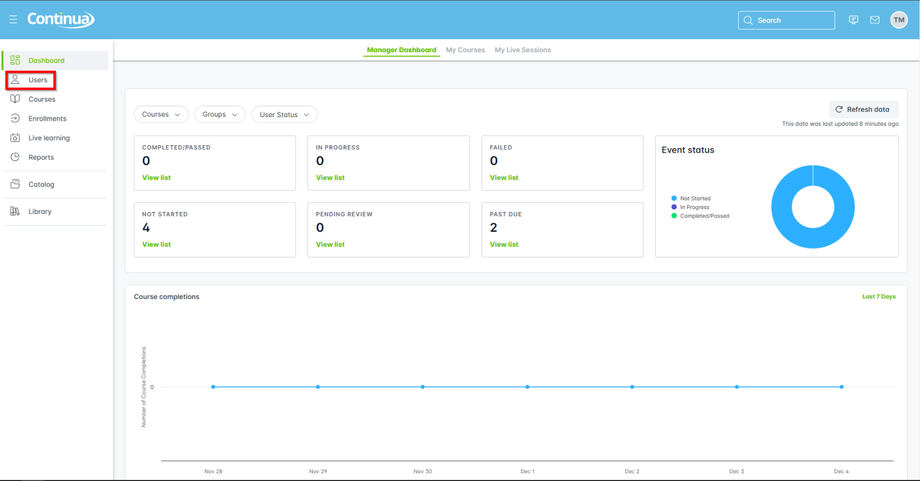
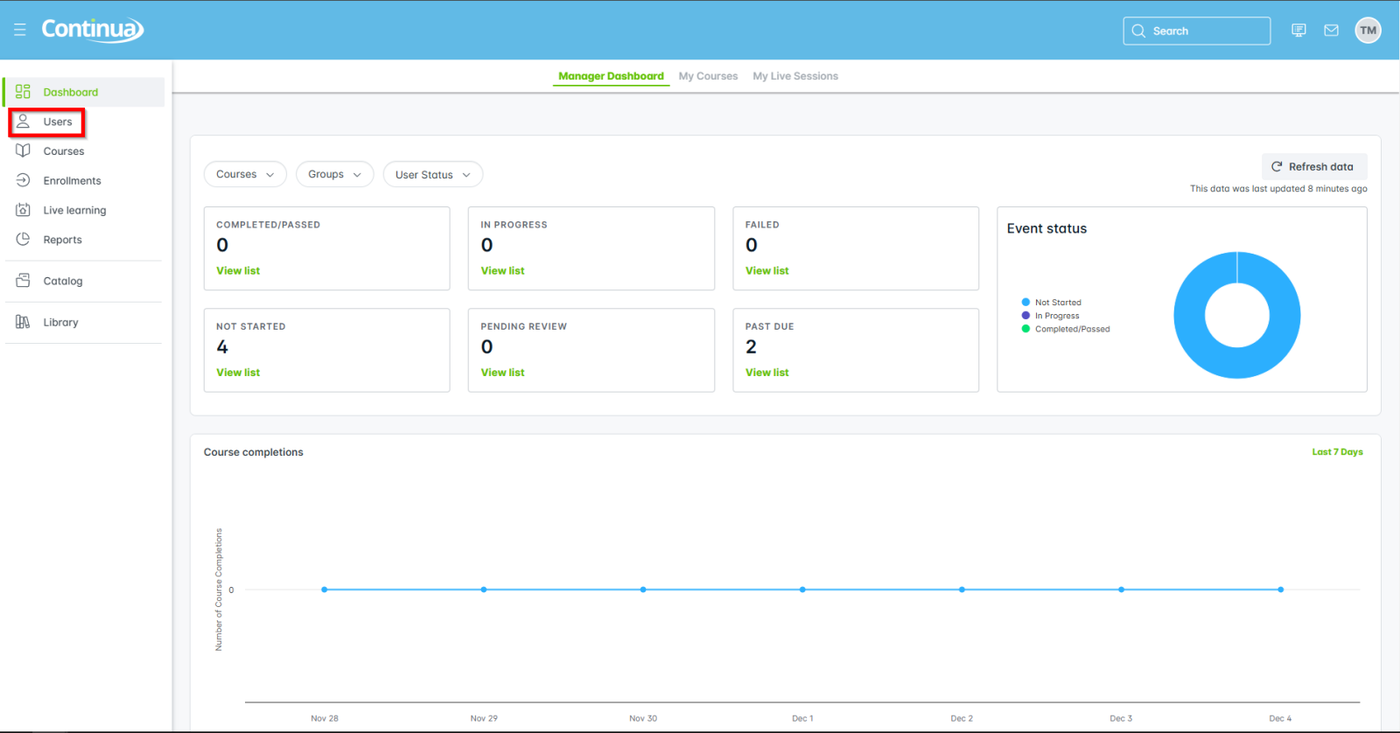
- From the main navigation menu select Users.
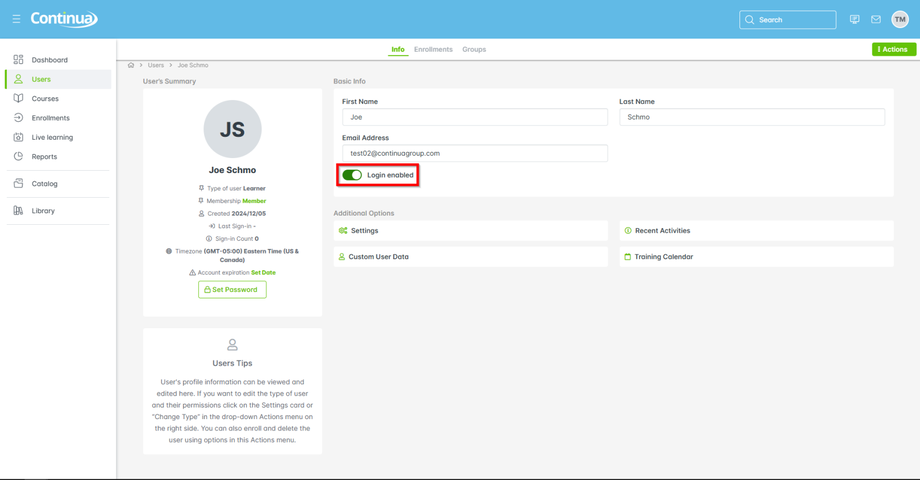
- Search for and select the user you need to disable.
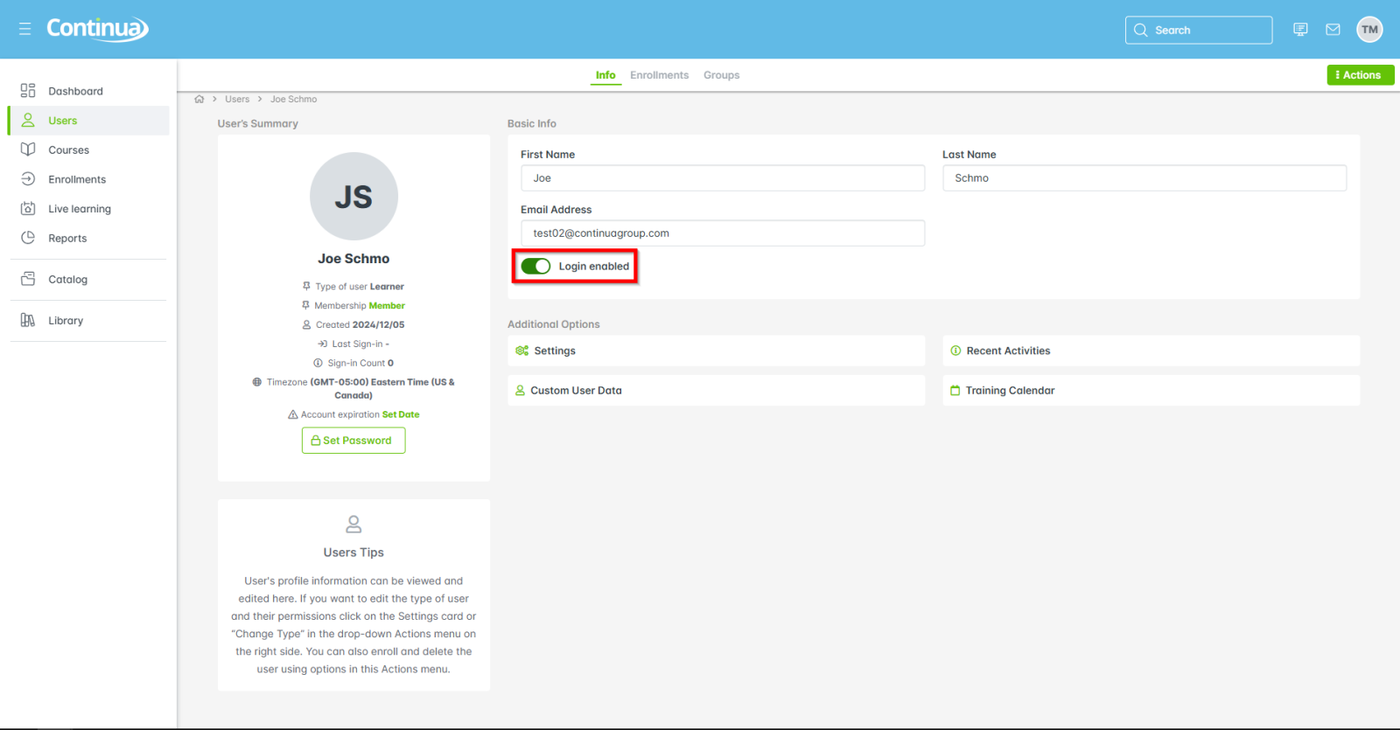
- From Basic Info, select Login enabled to disable access.
- Save to finish.
If the user attempts to log in, the login page shows a message that reads: Your account is disabled or has expired.
Enabling an account again
To enable a user account again, repeat the process for disabling the account, setting the account to Login enabled.